
Monitor. Manage. Understand.
A secure, cloud-based platform for monitoring and managing equipment from anywhere.
SENQUIP PORTAL
A secure, cloud-based platform for monitoring and managing Senquip-connected machines and equipment from anywhere.
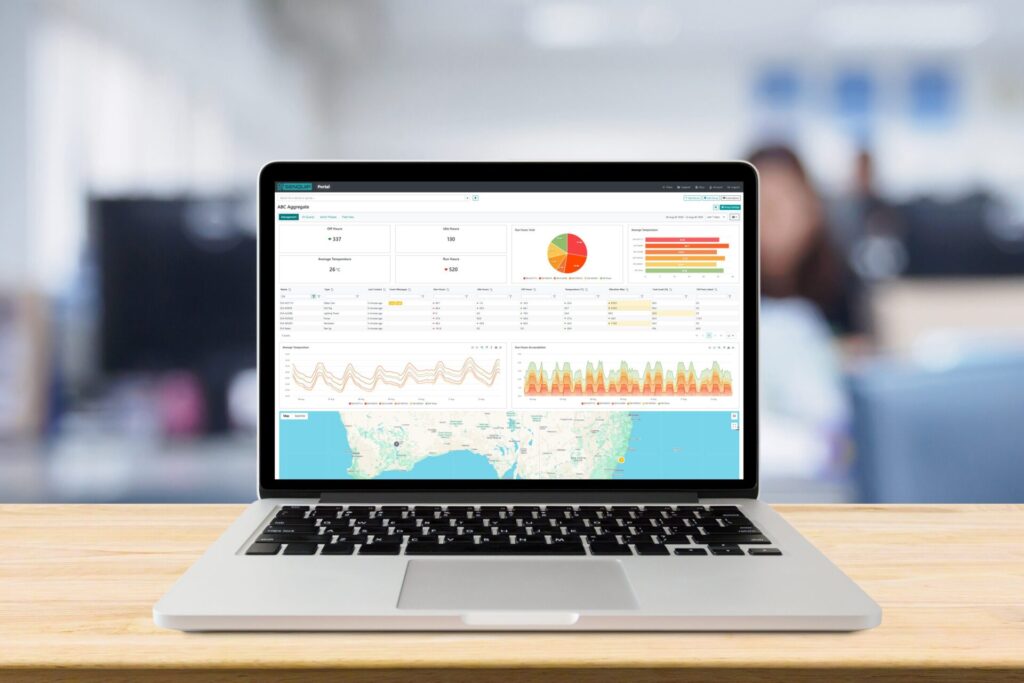
VISION DASHBOARD
See the big picture. Bring data from your entire fleet together to monitor performance, manage devices and turn machine data into useful information.
Groups
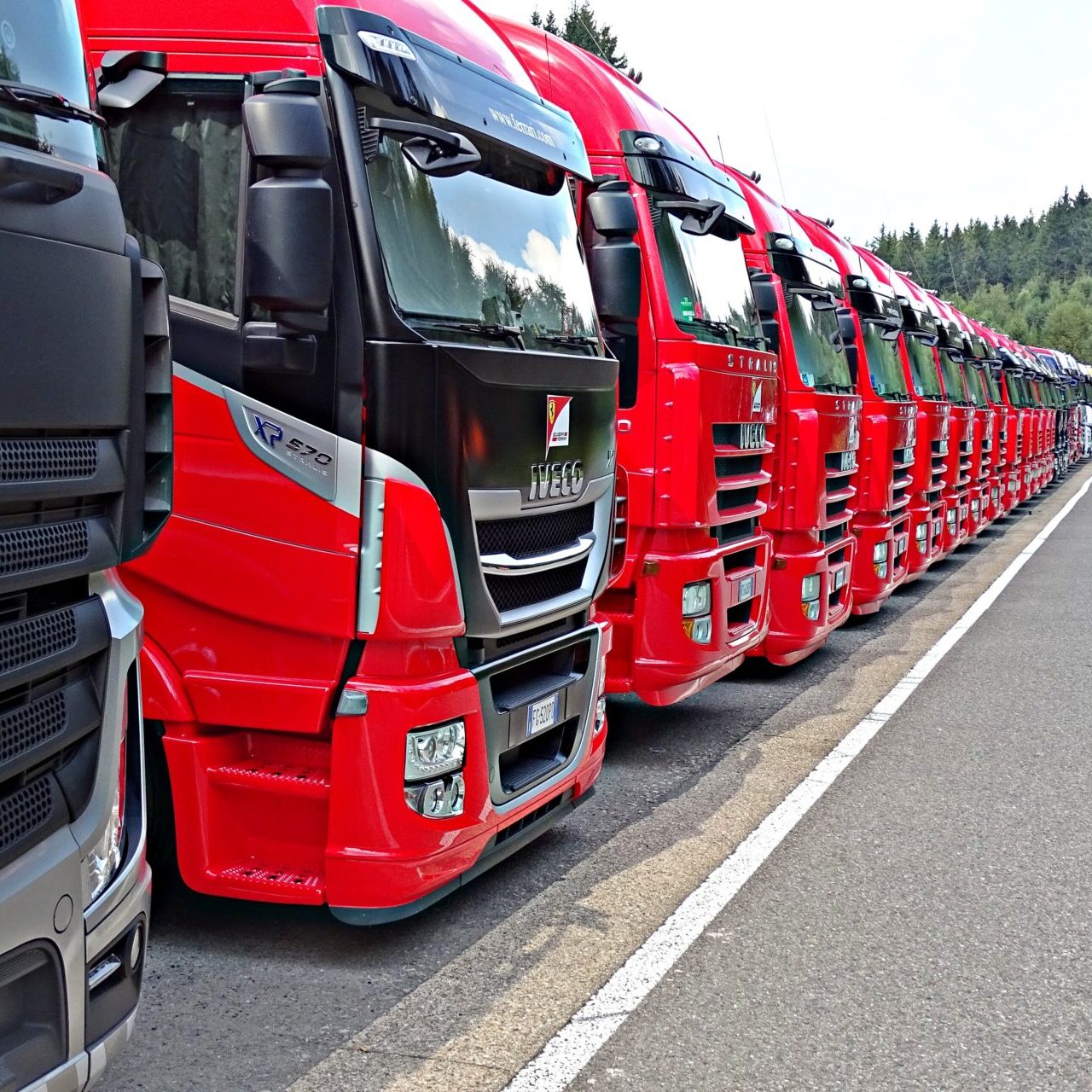
Organise devices into logical fleets, sites or applications. Manage users and permissions at group level and apply configuration changes across multiple devices.
Vision Dashboards
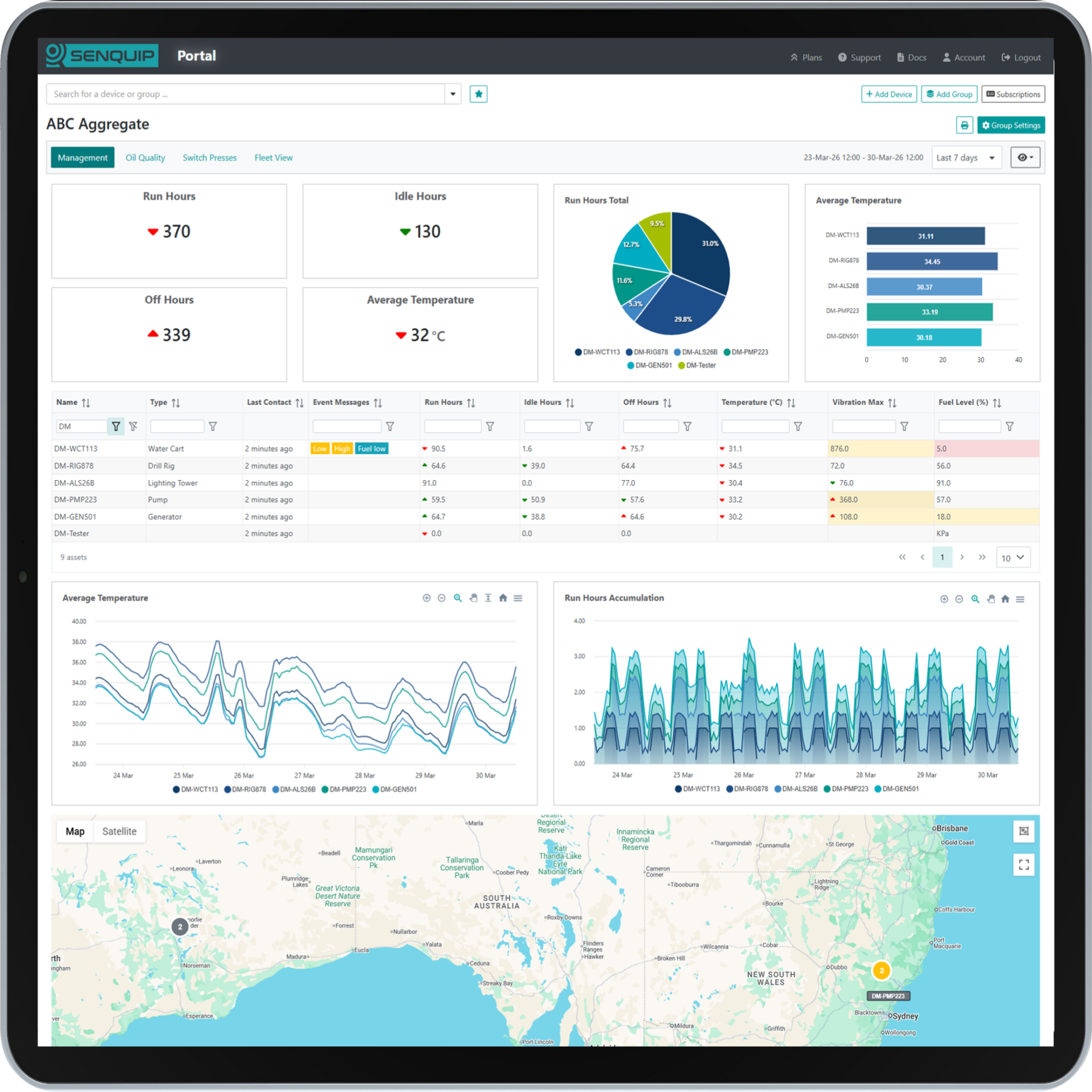
Create multiple dashboards for a group, each tailored to a particular purpose or audience. Give operations, maintenance and management teams the views that matter to them.
Bulk Management

Configure fleets at scale. Apply device settings, alert configurations and files across multiple devices at once, reducing commissioning and ongoing fleet-management effort.
Metrics
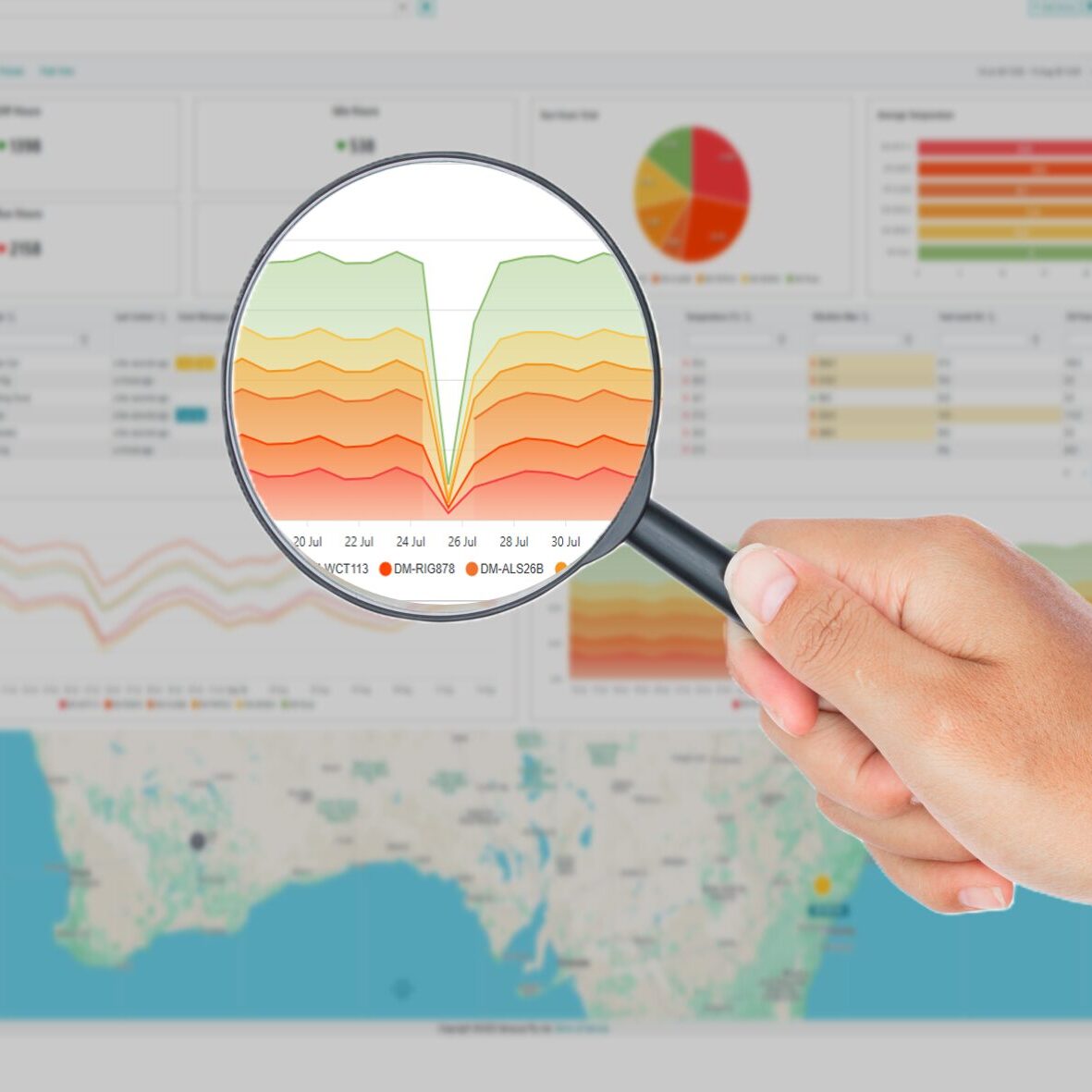
Turn data from many devices into fleet-wide information. Display headline values and calculate averages, peaks, totals and more across selected periods to understand performance and utilisation.
Reports
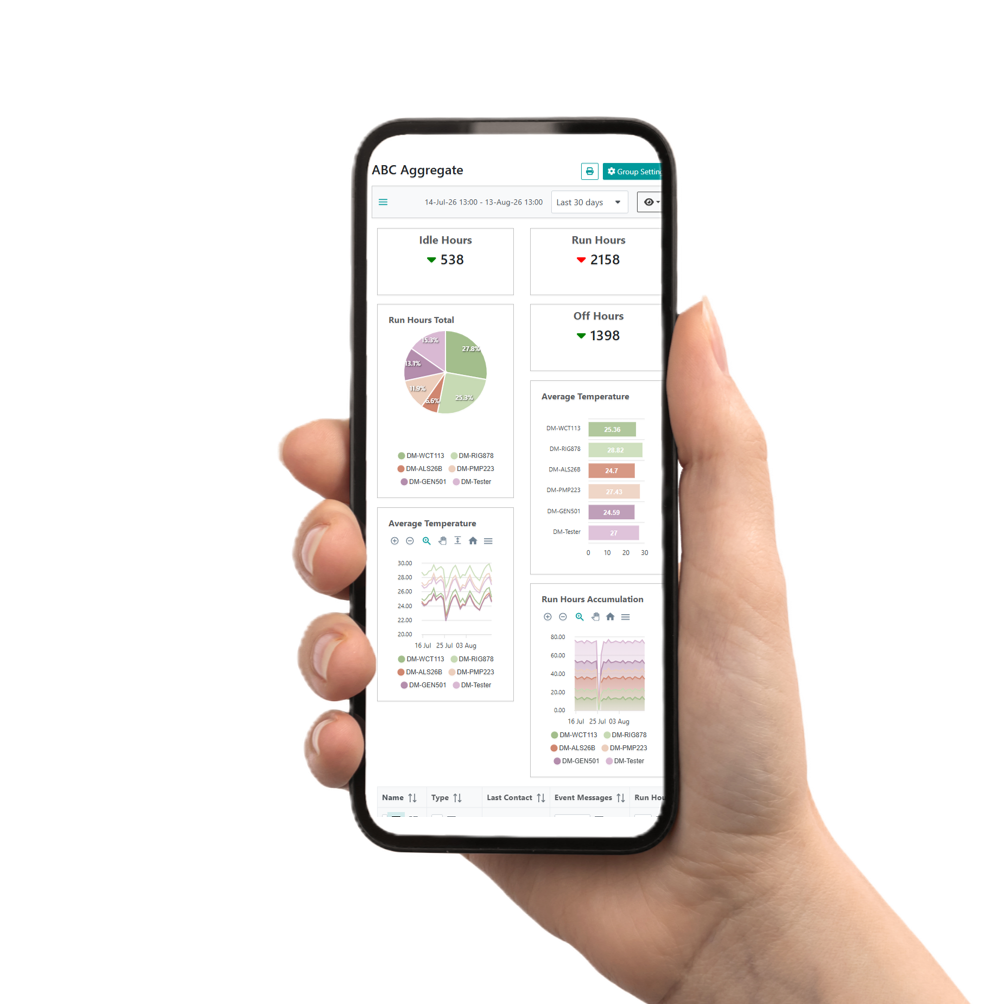
Automatically deliver the information that matters. Create reports from fleet data and have them emailed to selected recipients on a configurable schedule.
Hosted Services
Manage device subscriptions in one place. Optional Senquip Hosted services provide cloud storage, visualisation, and security without having to maintain your own infrastructure.
DEVICE DATA PAGE
Understand every machine. Explore live and historical data, visualise machine behaviour and interact with individual devices from one place.
Device Dashboard
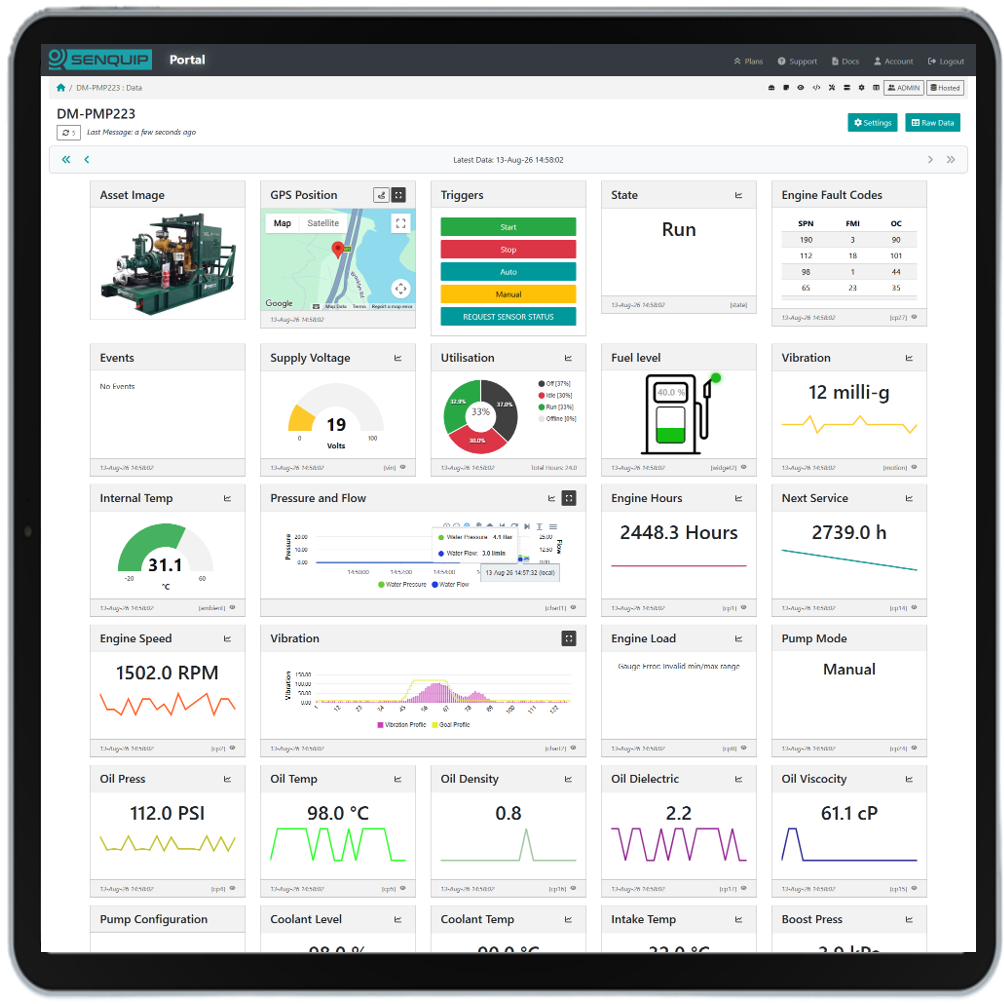
See everything happening on an individual machine in one place. View current and historical measurements using numbers, gauges, digital indicators and trendlines.
Custom Widgets
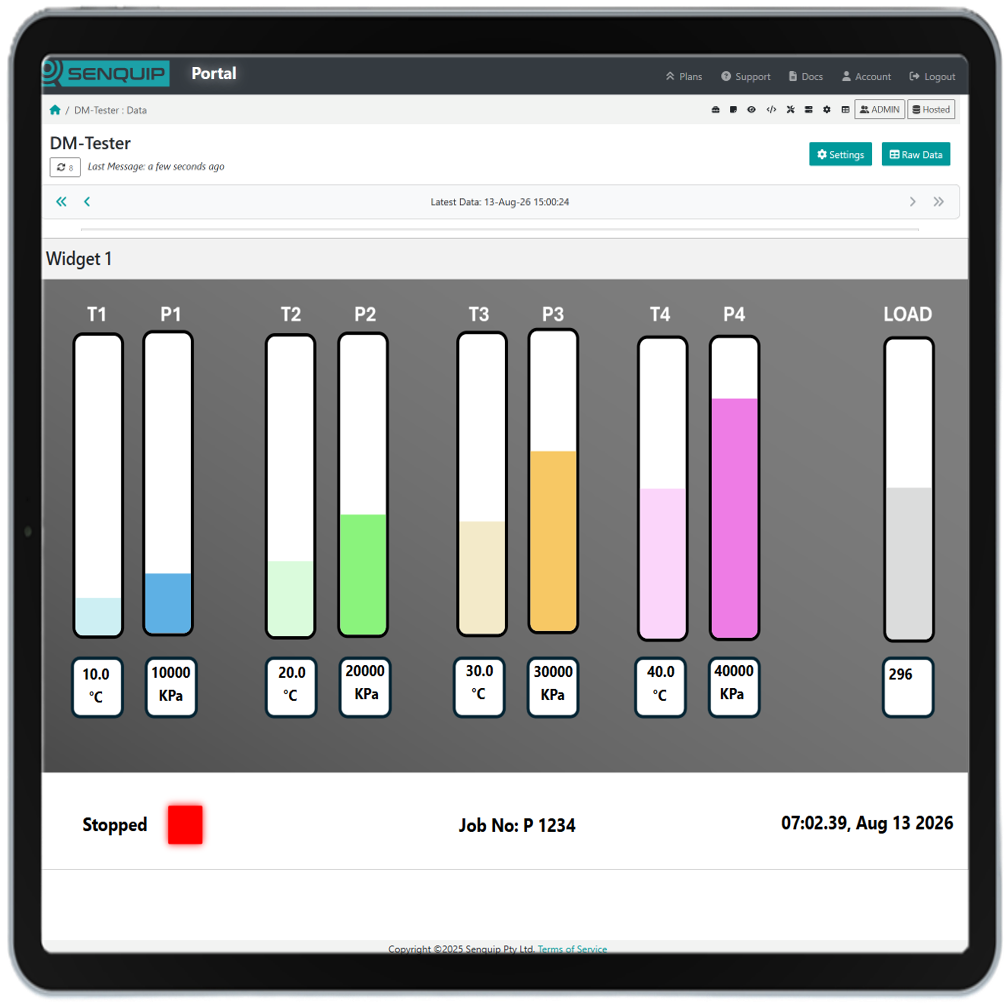
Turn machine data into intuitive graphical displays. Create application-specific widgets that show machine status and operating information in a format that is easy to understand.
Custom Charts
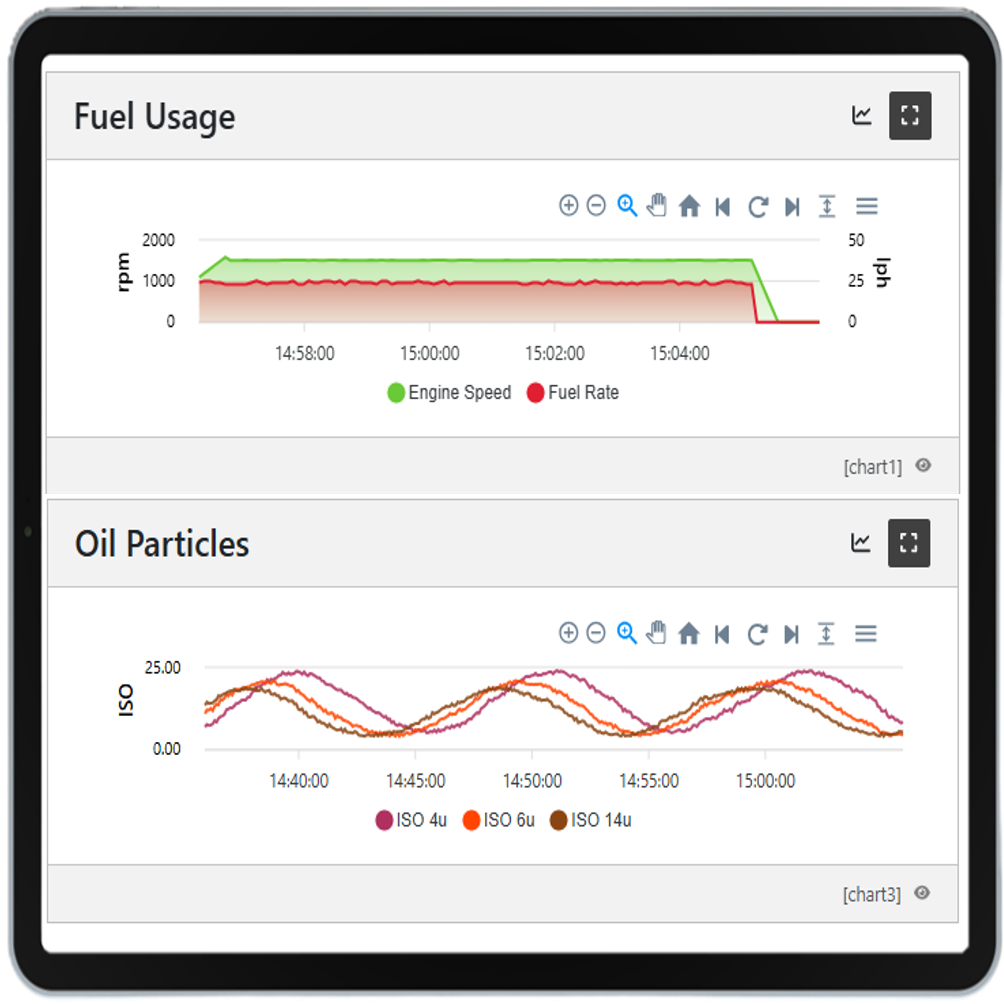
Bring multiple measurements together on single charts to understand machine behaviour. Create line, area and bar charts with multiple data series and axes.
Trigger Actions
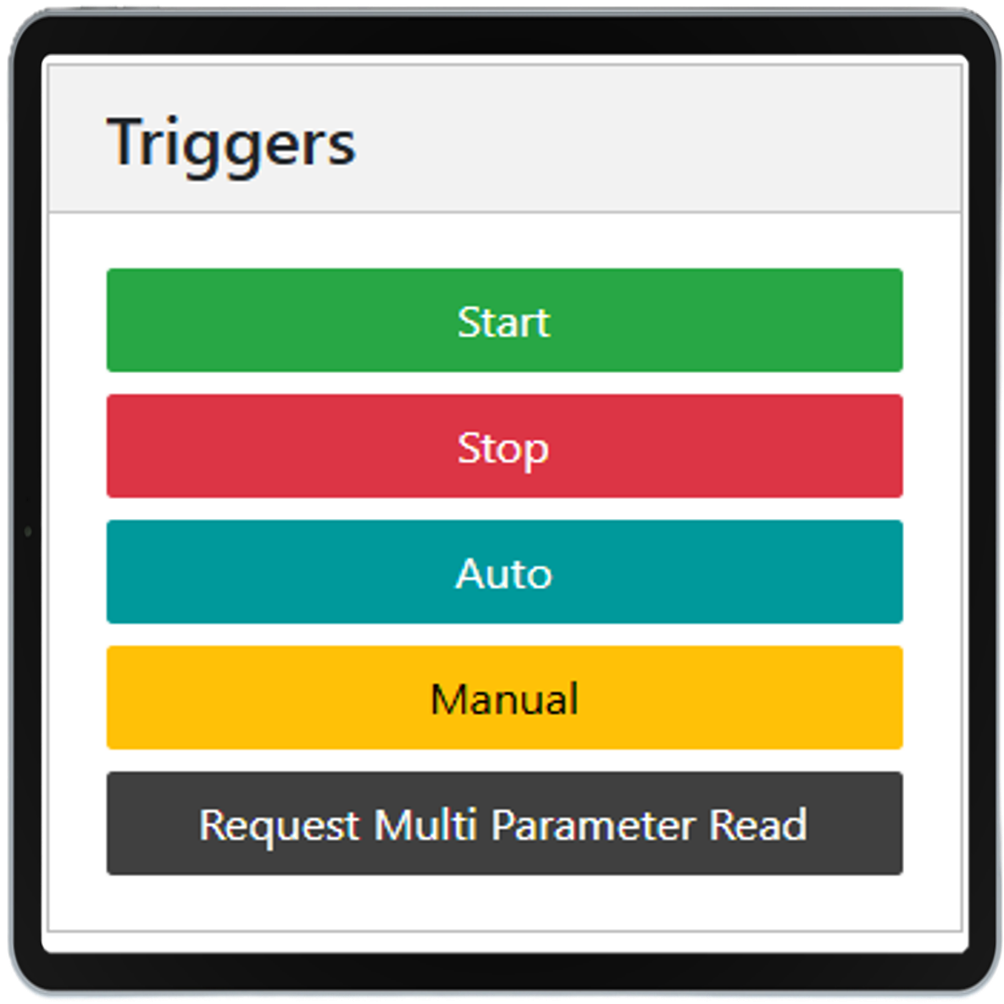
Interact with machines remotely from the Portal. Trigger predefined actions such as starting equipment, changing an output or initiating an application-specific function.
Raw Data
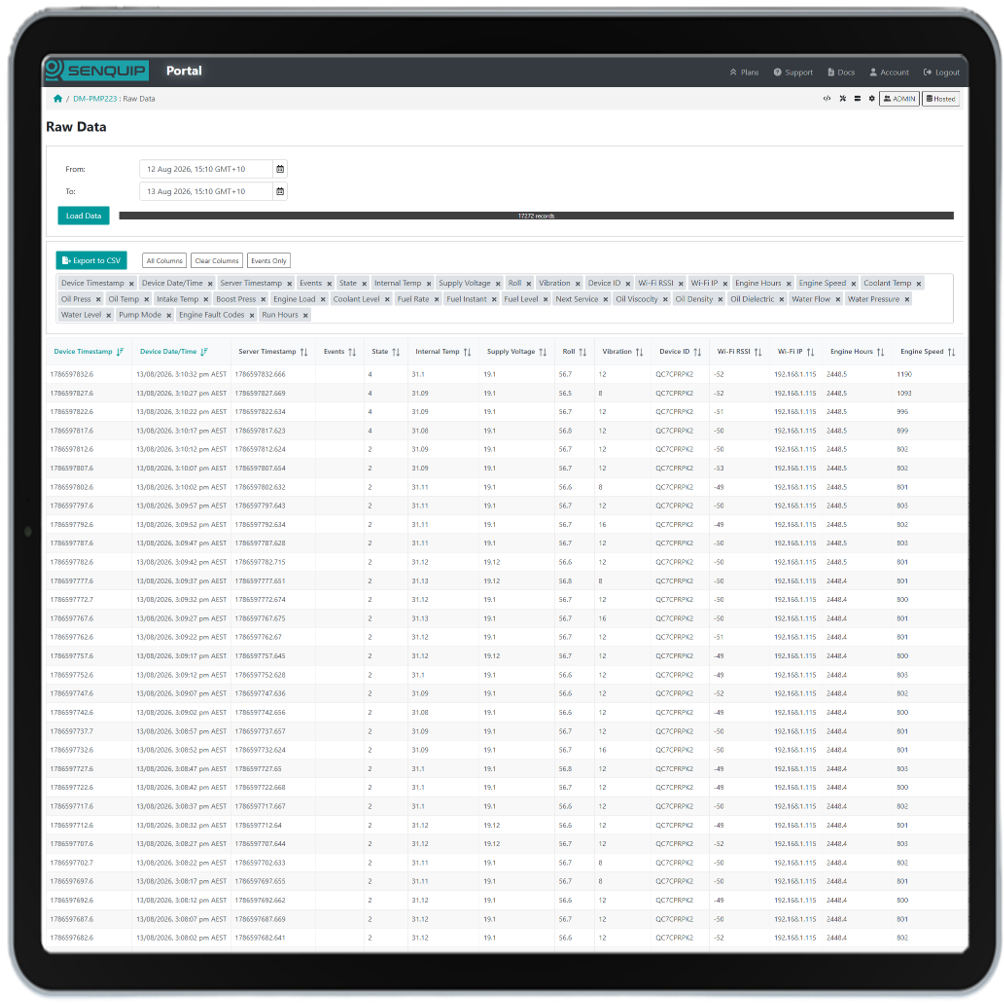
Access the underlying device data for detailed analysis. View historical records online or export them to CSV for use in spreadsheets and other systems.
Diagnostics
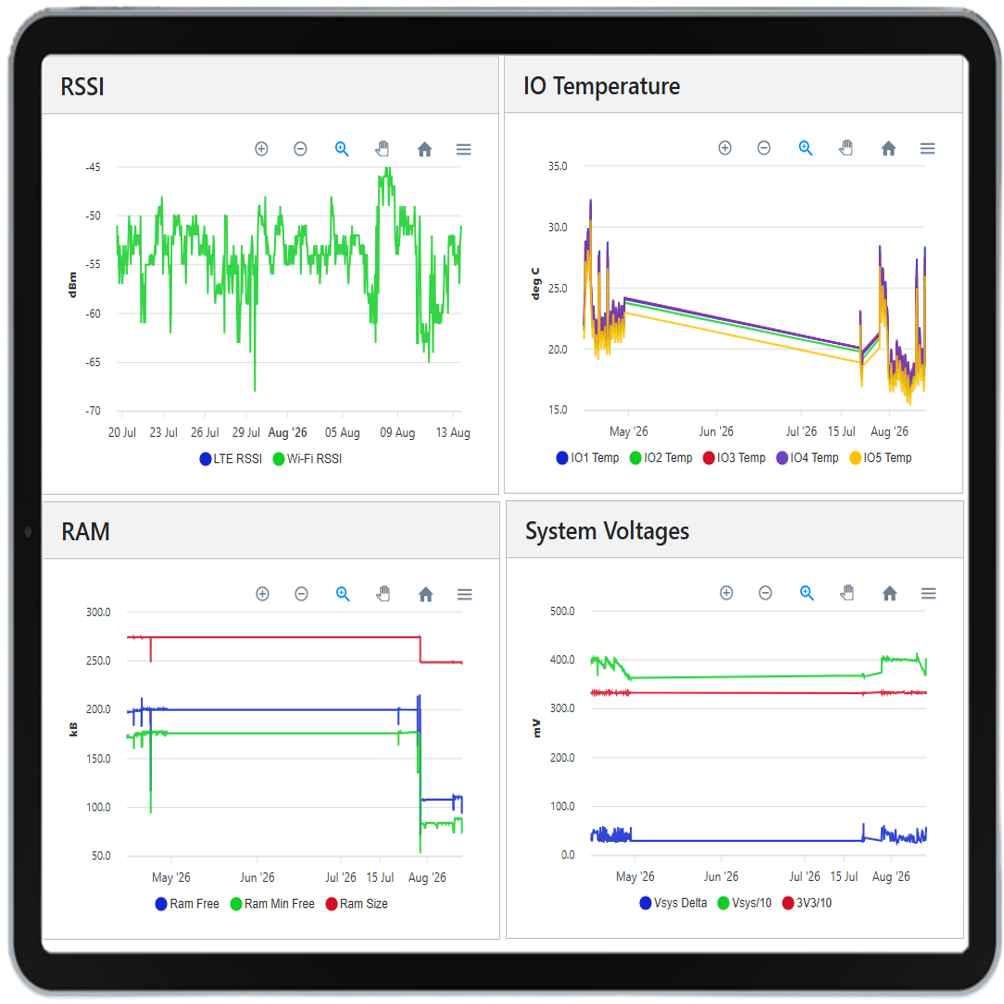
Diagnose devices remotely without visiting site. View cellular connectivity, signal strength, power supply, battery condition, GPS status and other system information to quickly identify installation or communications issues.
DEVICE CONFIGURATION
Manage devices from anywhere. Remotely configure settings, endpoints and events, deploy firmware updates and customise operation with scripting.
Remote Setup
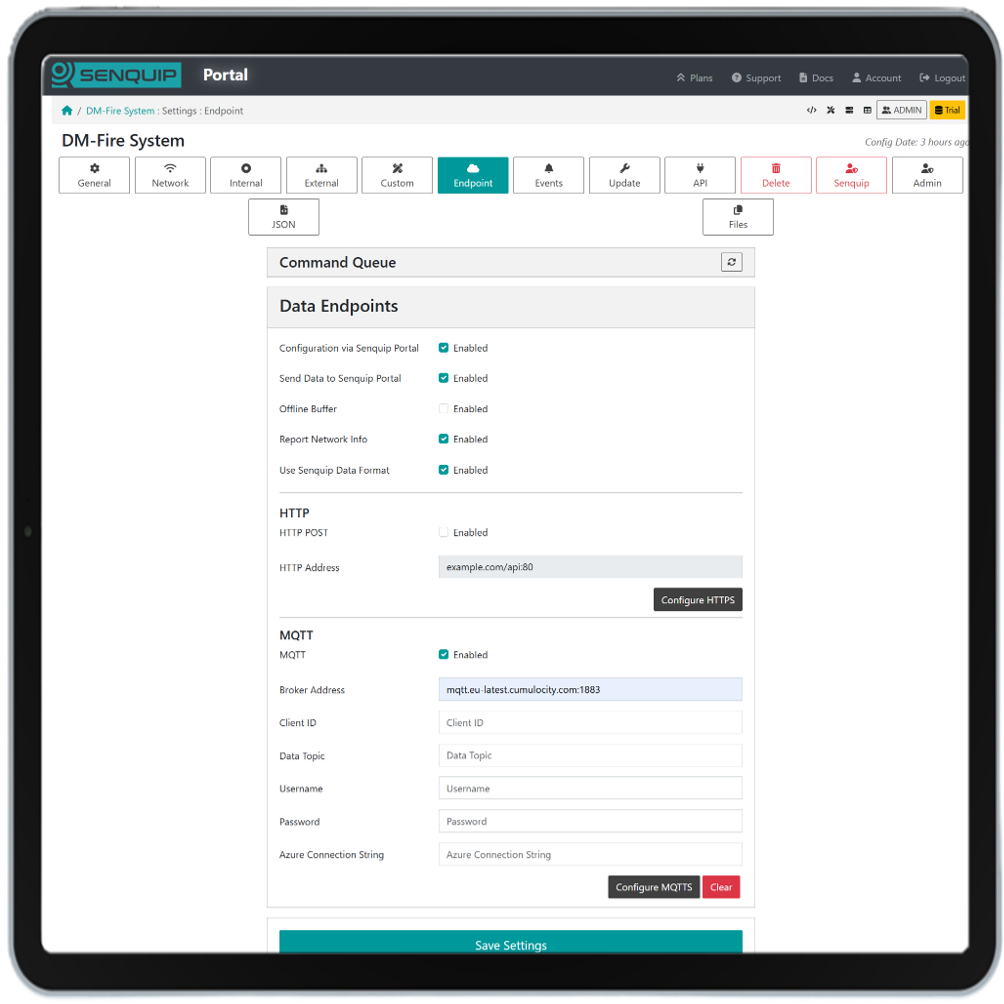
Configure Senquip devices from anywhere. Change measurement, communications, endpoint and application settings, and deploy OTA firmware updates without visiting the machine.
Events
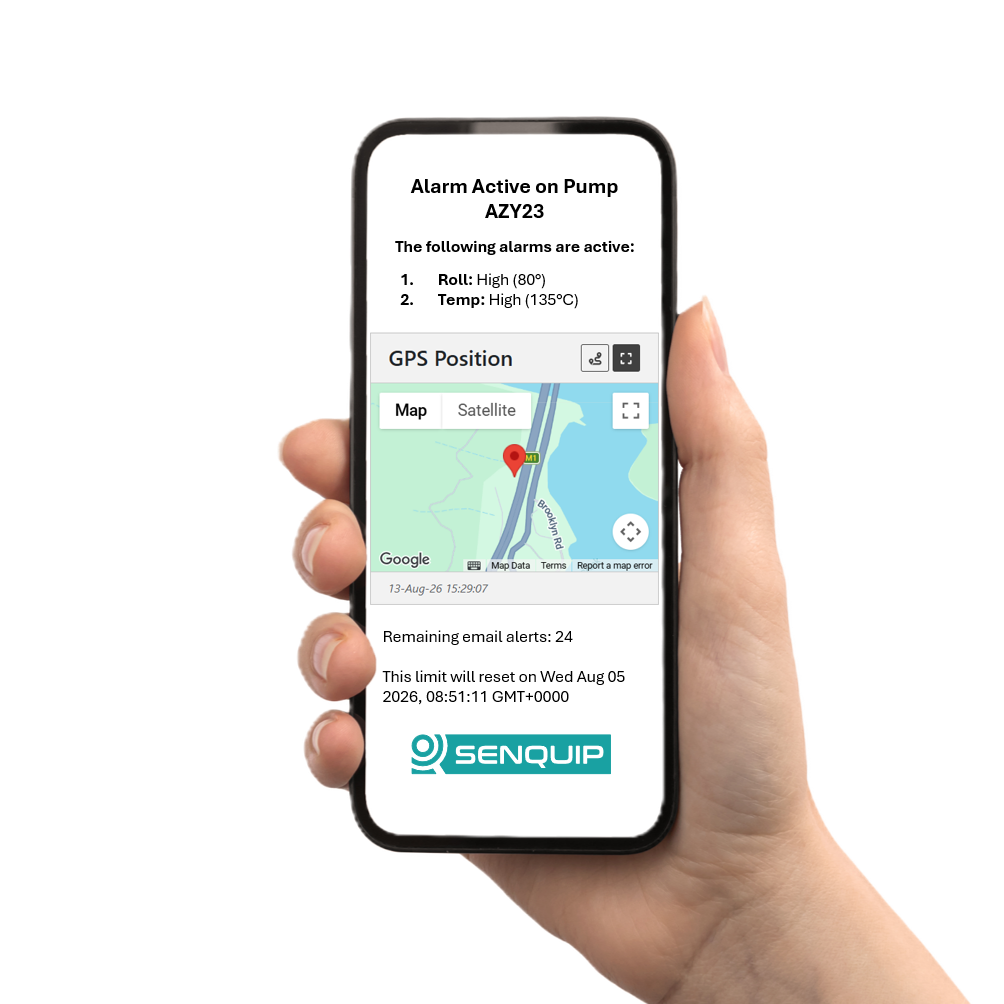
Configure warnings and alarms to identify important machine conditions. Define event levels and actions so the right people are informed via email and SMS when attention is required.
Scripting
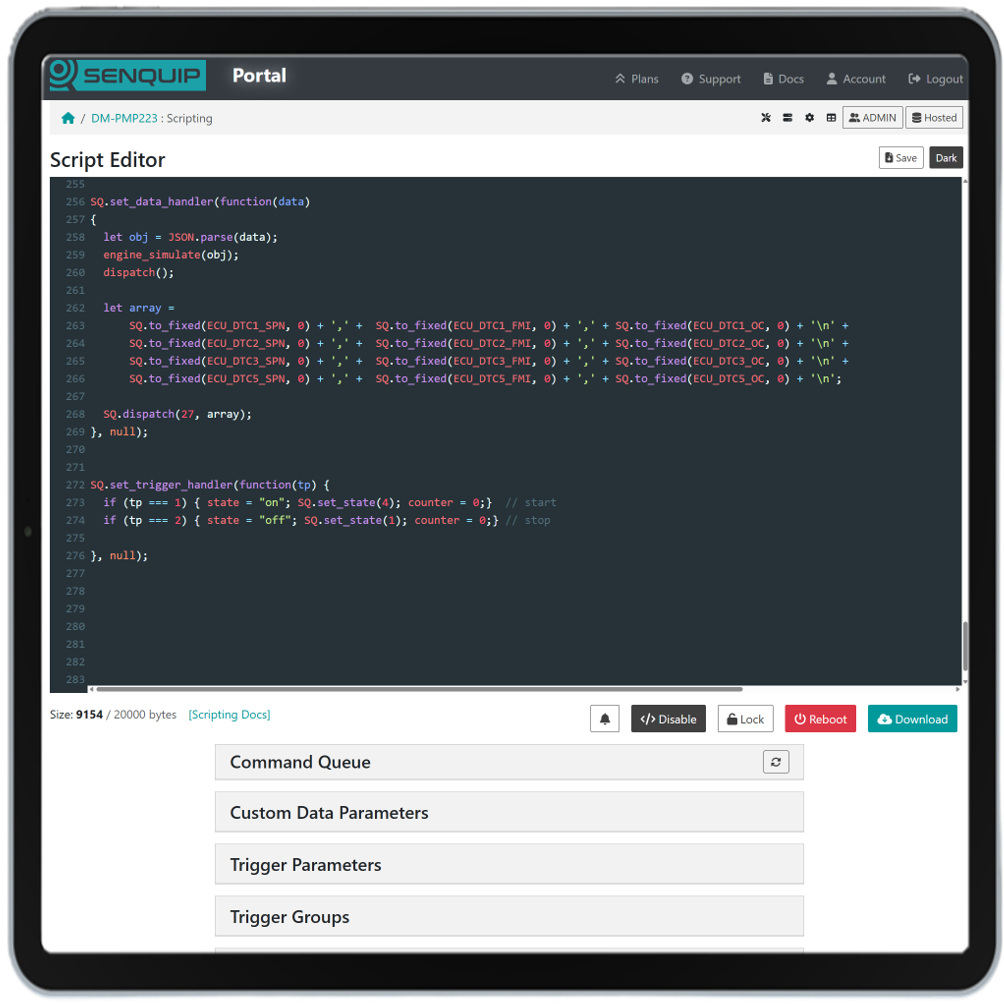
Create and deploy custom JavaScript applications remotely. Process data, implement application-specific logic, generate alerts and control connected equipment directly from the device.
API
Connect to your systems. Use APIs and webhooks to integrate machine data and functionality into your own applications and workflows.
Cloud API
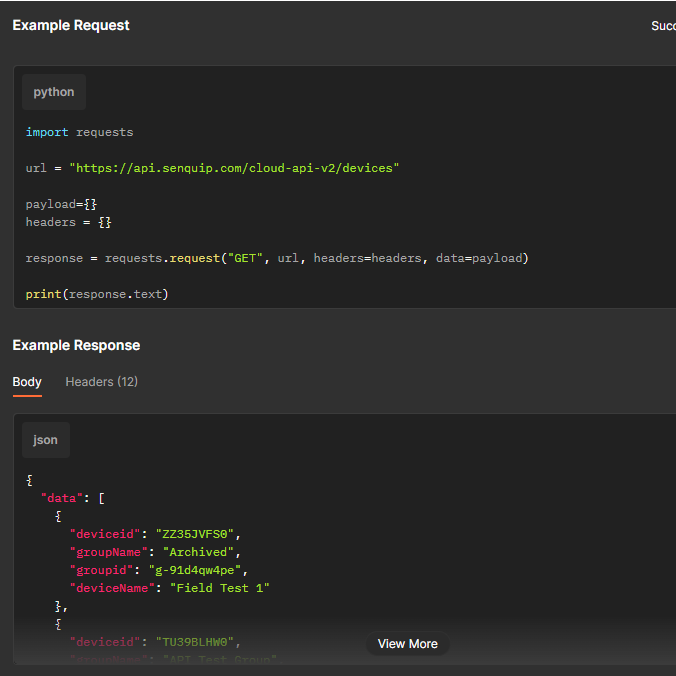
Integrate Senquip data with your own applications and business systems. Access current and historical device data programmatically to build custom dashboards, reports and workflows.
Webhook
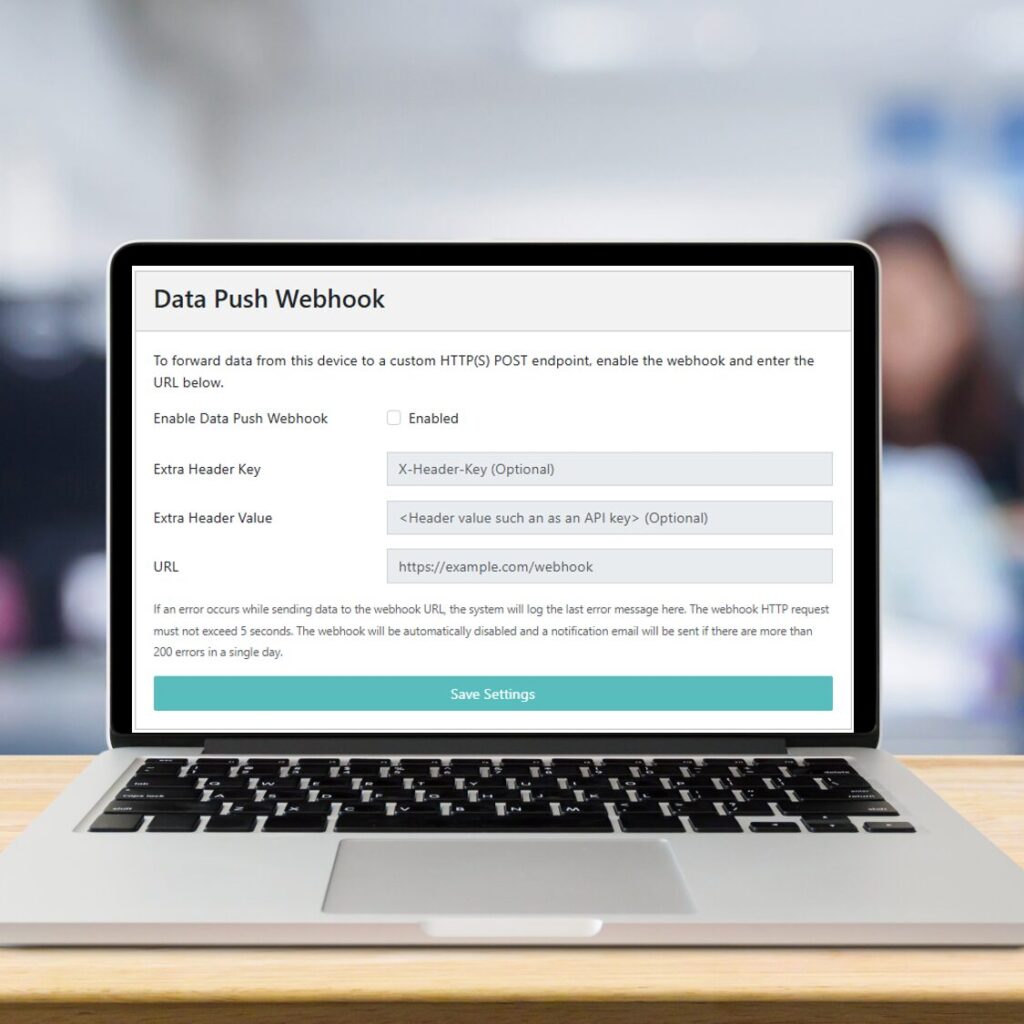
Send data and events automatically to external applications as they occur. Webhooks enable real-time integration without requiring external systems to continually poll the Senquip Cloud.
Device to Device
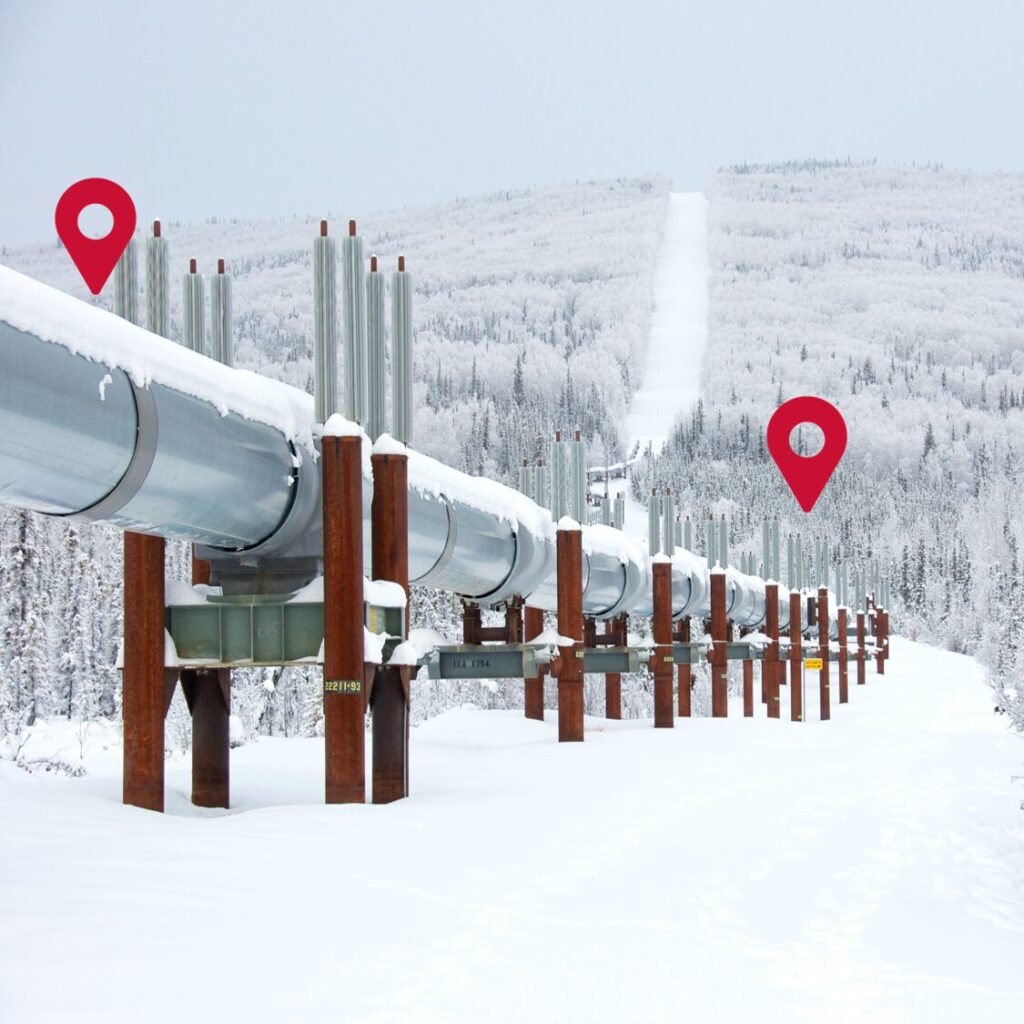
Allow Senquip devices to share data and interact with each other through the Senquip Cloud. Use information from one device to influence monitoring, alerts or control at another device.
Contact us
Corporate Office
755 Hunter St,
Newcastle West, NSW 2302,
Australia
Delivery Address
Unit B, 15 Soldiers Point Road,
Soldiers Point, NSW 2317,
Australia