
💥Coming Soon💥
We’re preparing to release the new ORB-C3-S, built directly from customer feedback and real-world deployment experience.
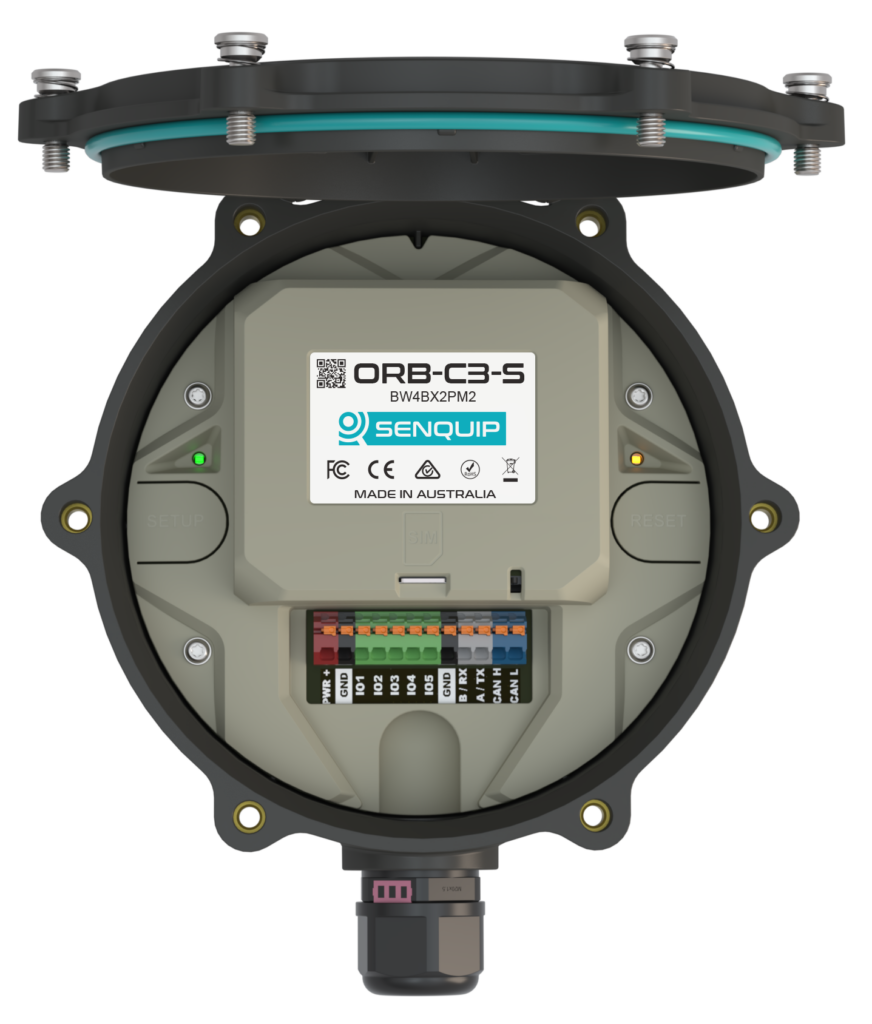
- SIM position redesigned for easy access, even after installation
- No need for USIM adapters
- Larger LTO battery with up to 15-year life
- Reliable charging from -30°C to +80°C
- Ideal for solar and extreme outdoor environments
- Expanded interfaces and enhanced I/O capability
- Satellite-ready for future connectivity options
More details coming soon.
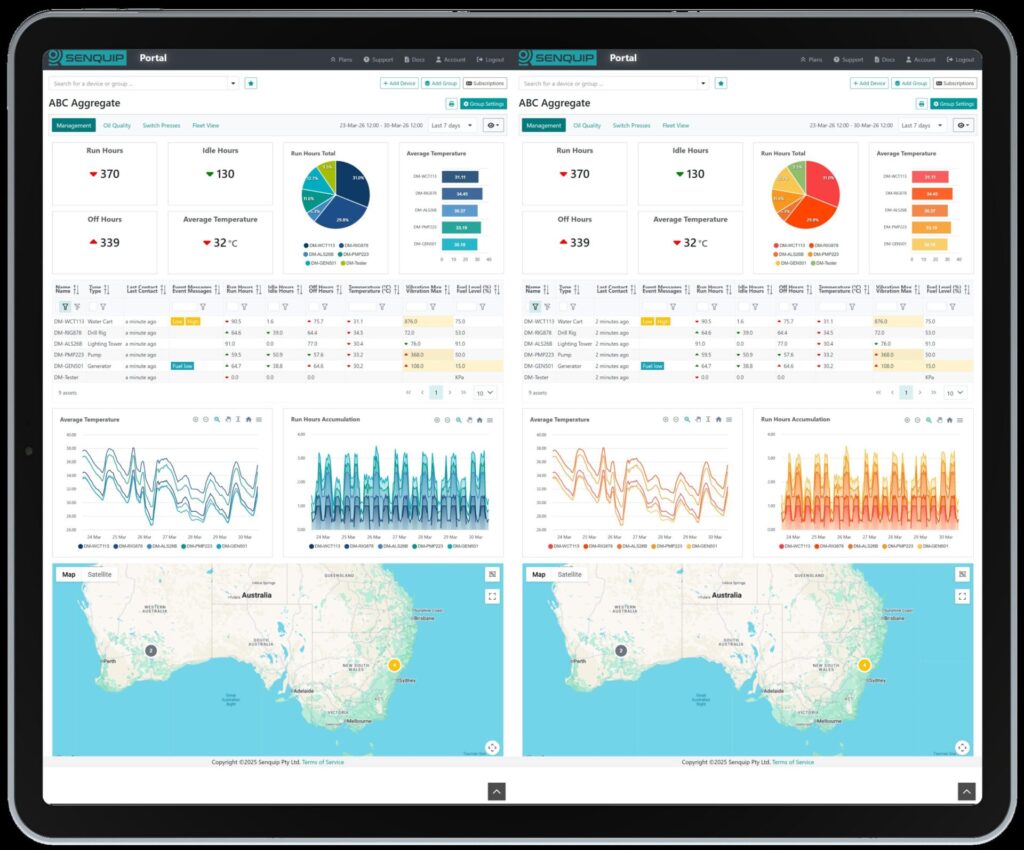
Senquip Vision – New Palettes & Charts
Senquip has introduced a variety of new palette options to the Vision Dashboard. Use the View settings to choose between Pastel, Vibrant, Fire and more.
📊 Scheduled Reports Now Available
You can now enable Scheduled Reporting directly from the Senquip Vision Dashboard. A new “Reporting” option is available under View Settings, allowing you to send recurring email reports with a link to a print-friendly dashboard.
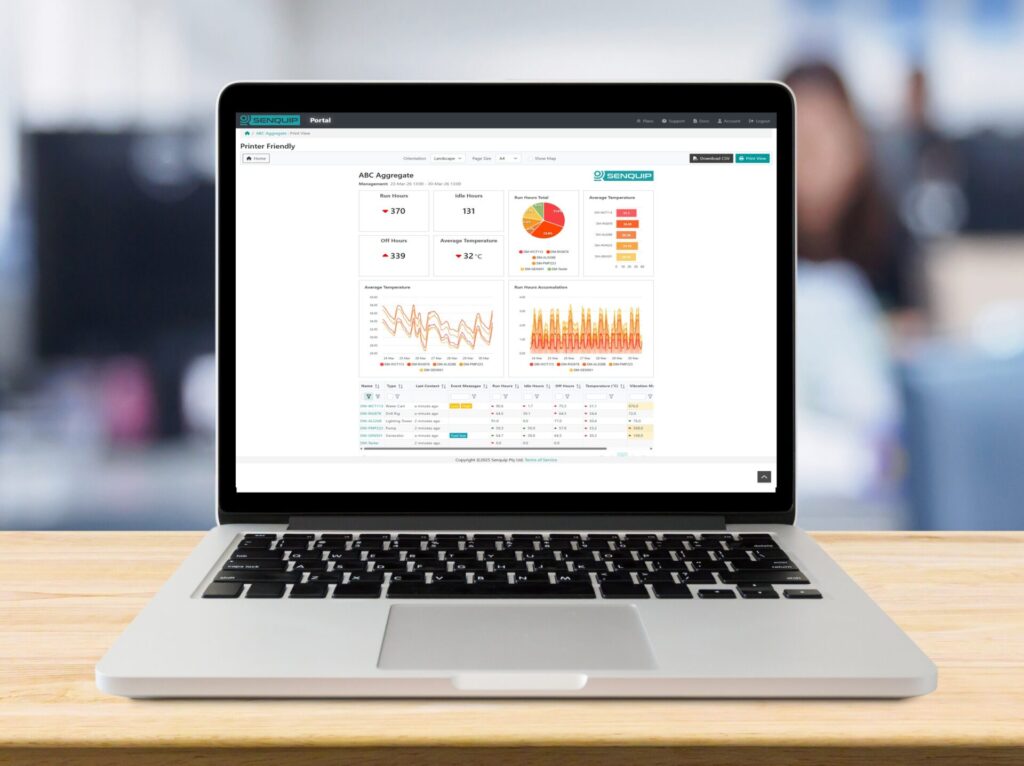
Set reports to daily, weekly, or monthly
One scheduled report per view.
Simple, shareable format for stakeholders Please try it out—we’d love your feedback!
📁 New Device File Management
Senquip devices have long supported uploading files for use in scripts -commonly CSV files for geofencing and sensor calibration.
We’ve now added a new “List Files on Device” feature, giving you full visibility and control.
With this update, you can:
- View all files currently stored on a device
- Identify files used in scripts (e.g. geofence lists)
Delete files that are no longer required
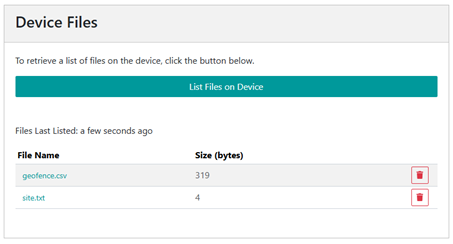
This new feature makes it easier to manage device storage, clean up old configurations, and confirm exactly what data is on a device in the field.
📍 New Application Note: Geofences in a Script
We’ve released a new application note on implementing geofencing using the Senquip scripting environment. It covers both circular and polygon geofences, along with practical techniques for reliable real-world use – such as handling GPS accuracy, stable entry/exit detection, and managing overlapping zones.
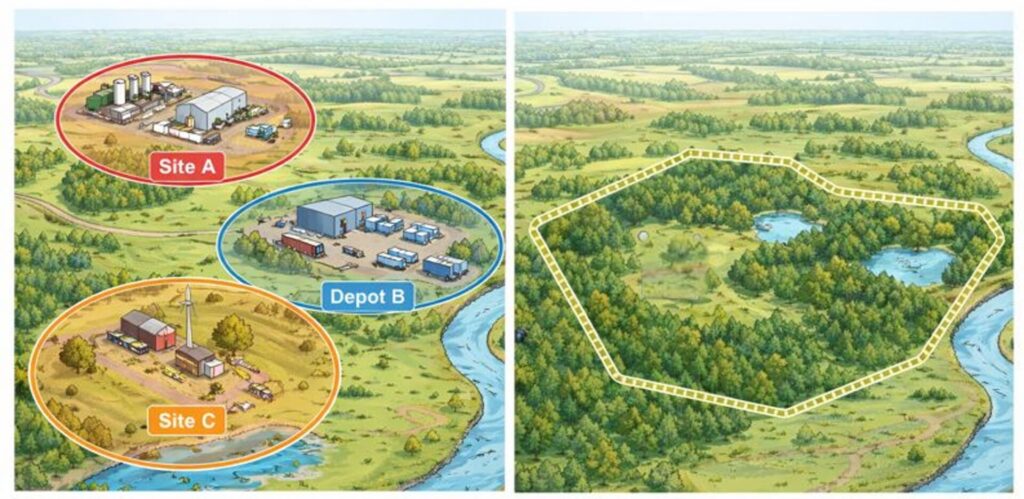
The note focuses on maintainable approaches using external CSV files, allowing geofences to be updated without modifying scripts. Whether you’re monitoring a single site or managing complex, irregular boundaries, this guide provides a clear and scalable approach.
🔗 New Application Note: Third-Party MQTT Integration
We’ve released a new application note covering how to connect Senquip devices to third-party MQTT endpoints.
It walks through practical steps for:
- Verifying connectivity using public test brokers
- Configuring publish and subscribe behaviour
Implementing secure TLS connections
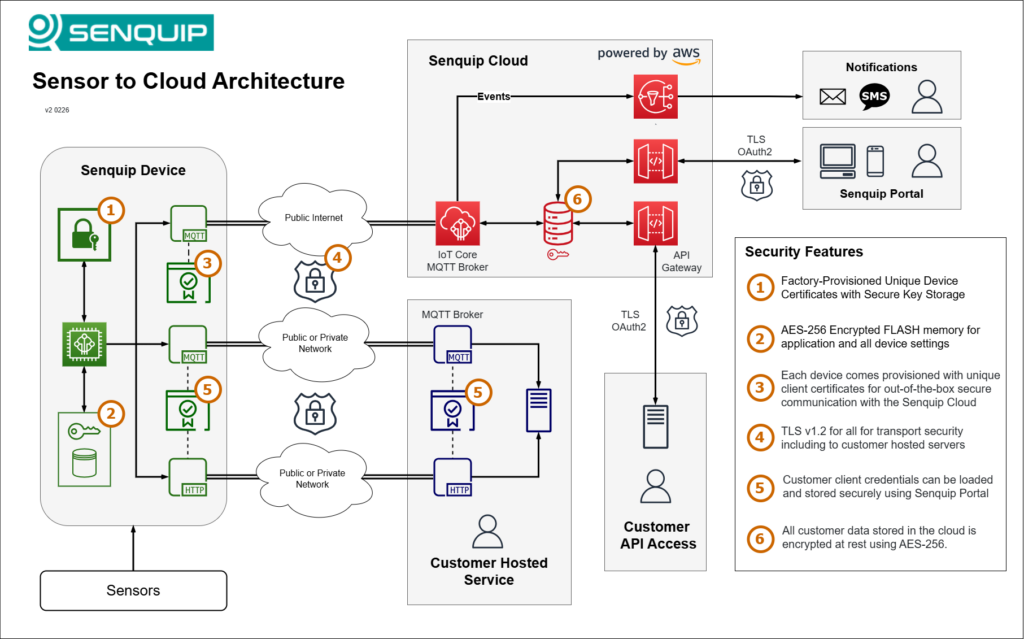
The note also explores the added complexity of mutual TLS (mTLS), including certificate provisioning, trust configuration, and ongoing management. For many deployments, it highlights an alternative approach – using the Senquip Portal and API to centralise security and reduce integration effort.
📊 New Gauge Elements for Custom Widgets
Gauge elements are now available for Custom Widgets, making it easier to visualise live machine data.
In addition to the existing Level Indicator and Status Indicator, you can now use Gauges to create clear, dial-style displays.
Gauges are ideal for:
- Engine speed (RPM)
- Vehicle or shaft speed
- Fuel level
Pressure, temperature, and other analogue values
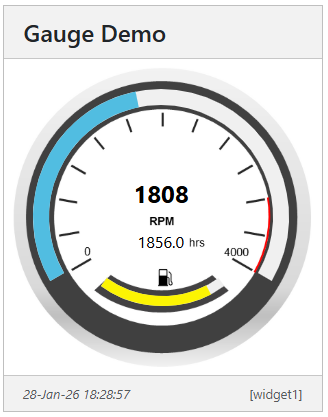
Multiple gauges can be added to a single widget, allowing related values – such as RPM and fuel level to be displayed together in a compact view.
⚙️ API Rate Limits – Now Available for All Devices
API access is now available for all devices, including those on the Basic plan.
For devices with a Hosted plan, limits scale with the number of hosted devices:
- 1 request/sec per device
- 1000 requests/day per device
- Limits update every 12 hours
Devices without a Hosted plan now have free API access for light use:
- 50 requests per device, per month (ideal for occasional configuration)
For higher usage, upgrade devices to a Hosted plan. For more information, see the Senquip Cloud API Documentation.
📱 Senquip Connect App Update
The Senquip Connect App has been updated with new tools to simplify setup and troubleshooting in the field.
A new Network Test feature allows you to check whether your phone’s current connection (Wi-Fi or LTE) can communicate with required Senquip services – ideal for quickly identifying firewall or network issues.
Tests include:
- MQTT (Port 8883)
- Firmware Update Server (HTTPS)
Time Sync (SNTP)
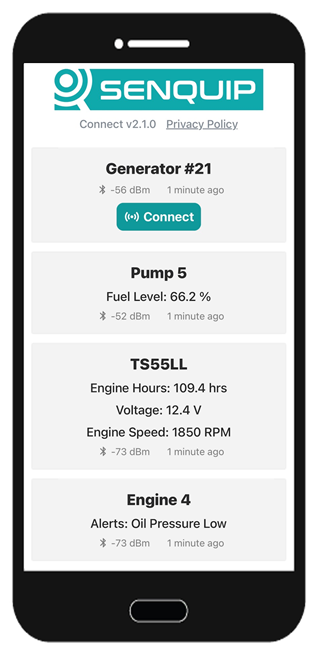
We’ve also added a Help & Troubleshooting section to guide users through common setup issues.

The app can be used to scan for nearby devices, view live data, and configure Wi-Fi or cellular settings—making it a simple tool for commissioning and diagnostics.
Designed for the Real World
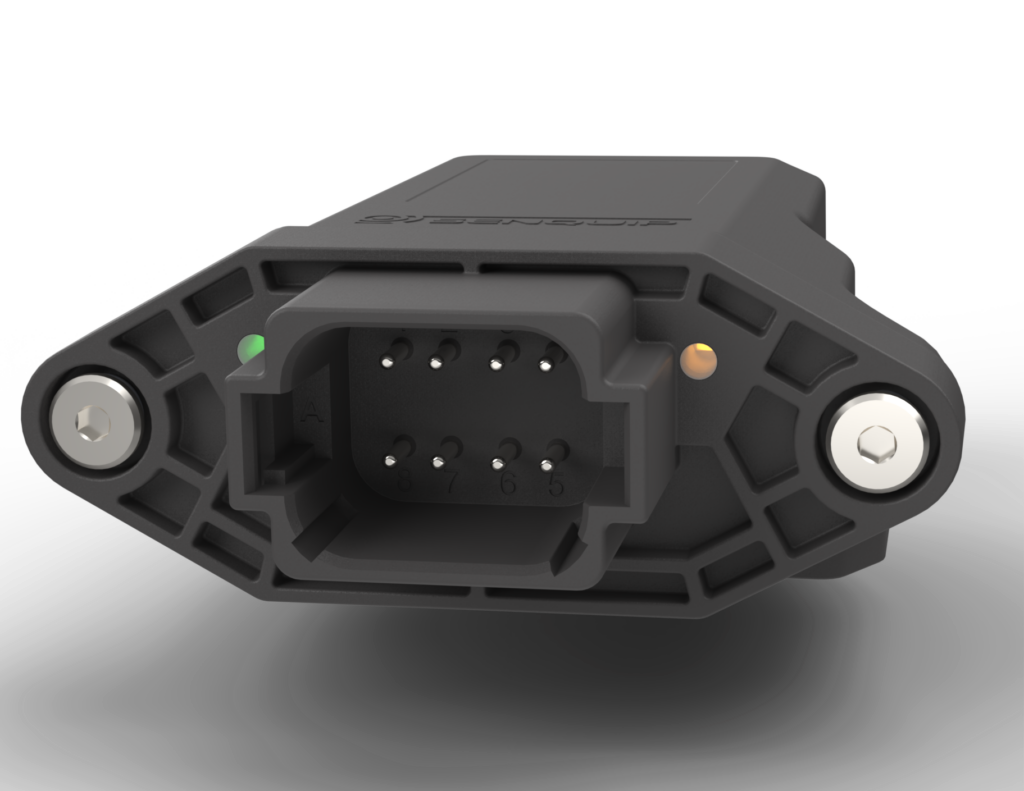
We spent an unusual amount of time designing a single end-cap.
Not just because it looks good, but because every detail matters in the field.
- Tin/nickel plated pins → corrosion resistance in harsh environments
- Overmoulded pins → waterproofing that survives real installs
- Glass-filled nylon → UV stability and long-term mechanical strength
- Stainless captive screws → no lost parts during servicing
- Light pipes → clear status without compromising sealing
- Ribbed structure → stiffness where it’s needed most
None of this is accidental.
In telemetry, small mechanical decisions are often the difference between:
- A device that works on the bench
- And one that survives years on a machine
It’s easy to underestimate this part of product design – until you’ve seen what vibration, water, UV, and real-world installation can do. Every feature is there for a reason.
🌾 World Ag Expo 2026
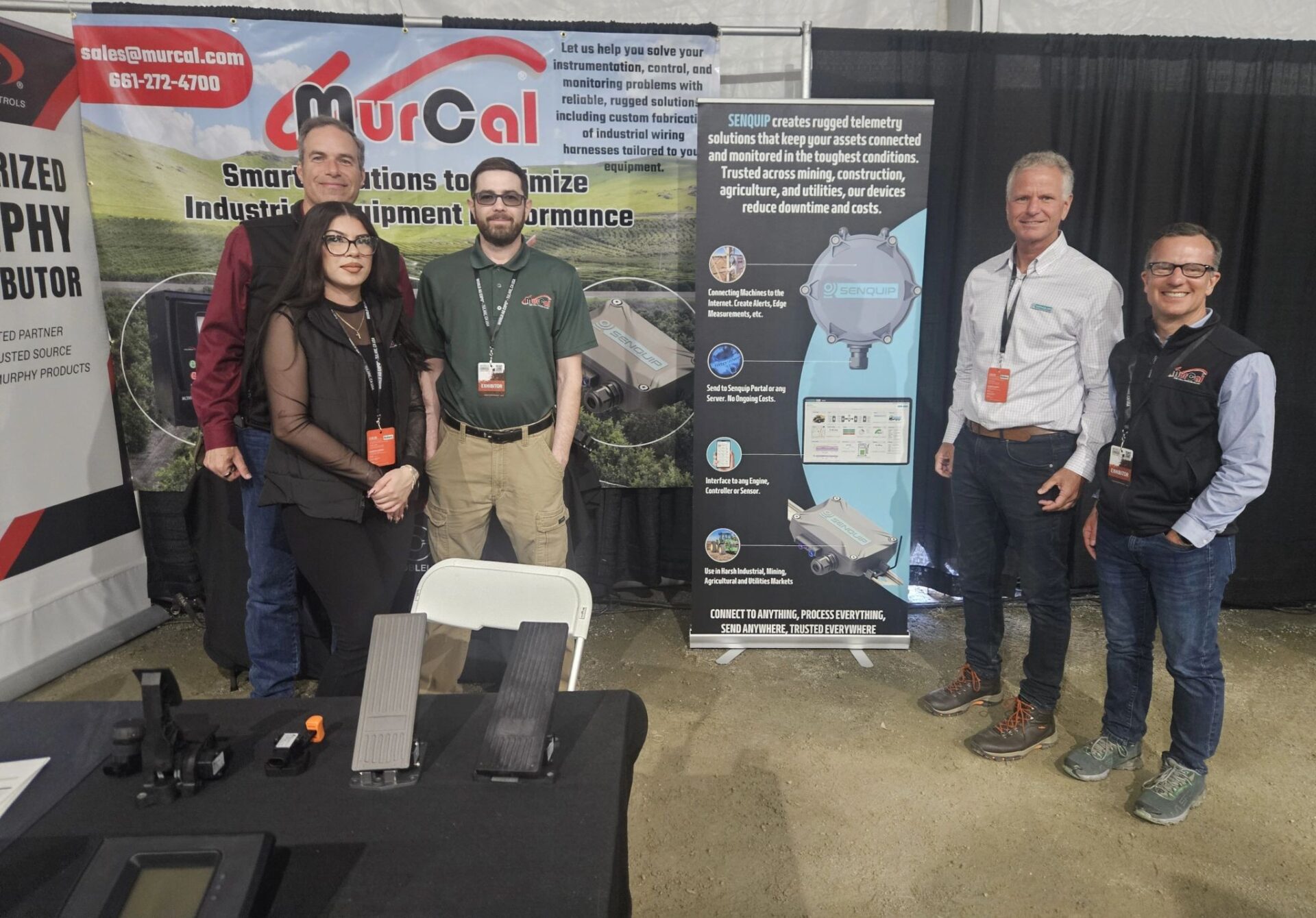
Earlier this year, we attended the World Ag Expo (WAE) in Tulare, California along with US distributor Murcal. WAE is the largest annual agricultural trade show in the world, attracting over 100,000 attendees and more than 1,000 exhibitors across 2.6 million square feet of exhibition space. It’s a key global event for the agricultural industry, covering everything from machinery and irrigation to emerging AgTech solutions.
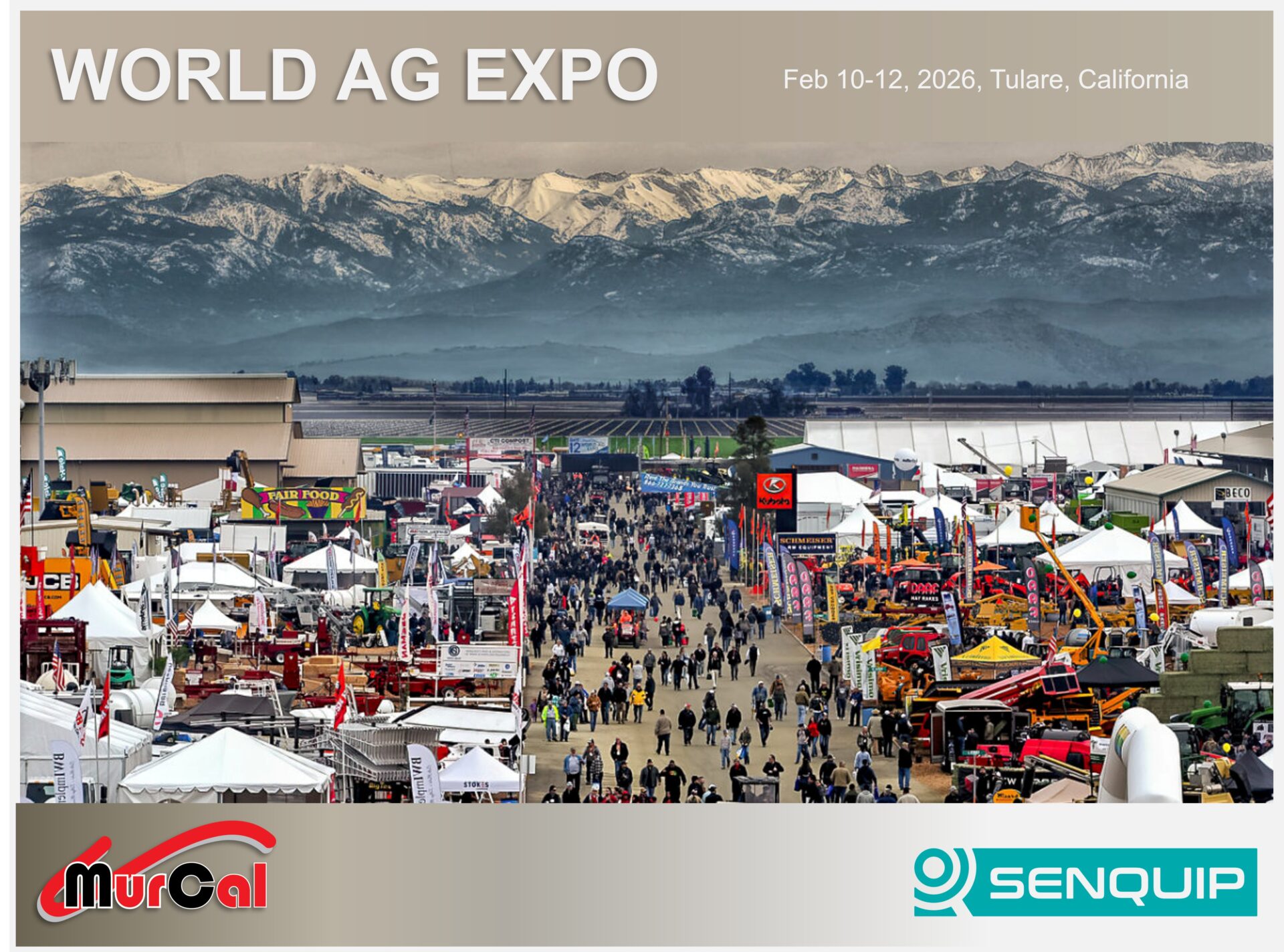
It provided a valuable snapshot of how technology is being applied across modern farming operations, particularly in remote monitoring and automation. It was also great to see Senquip devices on display across a range of real-world applications, from pumps and gas trailers to frost fans.
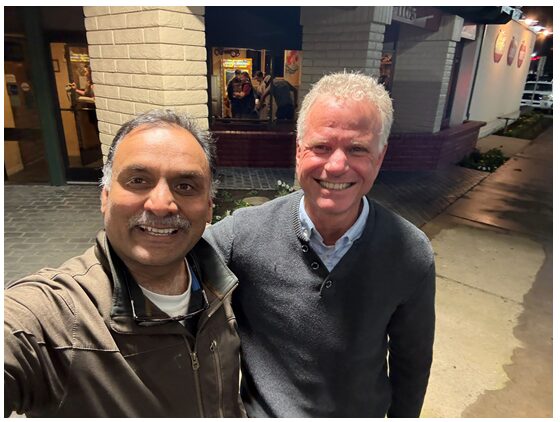
While in the US, it was a pleasure to finally meet Satish from GroundHog in person. We’ve worked together for years, and it was great to put a face to the name. GroundHog builds platforms that connect and optimise mining operations using real-time data and analytics, aligning closely with how Senquip devices are used in the field.
🌡️ Interesting Sensor: J1939 Thermocouple Module
Available from Macquarrie Corporation, this 6-channel thermocouple module communicates directly over SAE J1939 (250 kbps). It supports multiple thermocouple types (J, K, T, E) and streams temperature data straight onto the CAN bus, making integration into engines or machine networks straightforward.
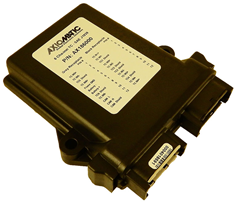
What stood out:
- 6 fully isolated channels, measured simultaneously
- Native J1939 output—no additional gateway required
- Suitable for exhaust, winding, and fluid temperature monitoring
- Rugged design with simple plug-in connections
A good example of sensors becoming “network-native,” simplifying installation and reducing the need for analog wiring.
🔐 The Engineering Behind CE RED Cybersecurity
Many telemetry systems in the market are deployed without formal certification.
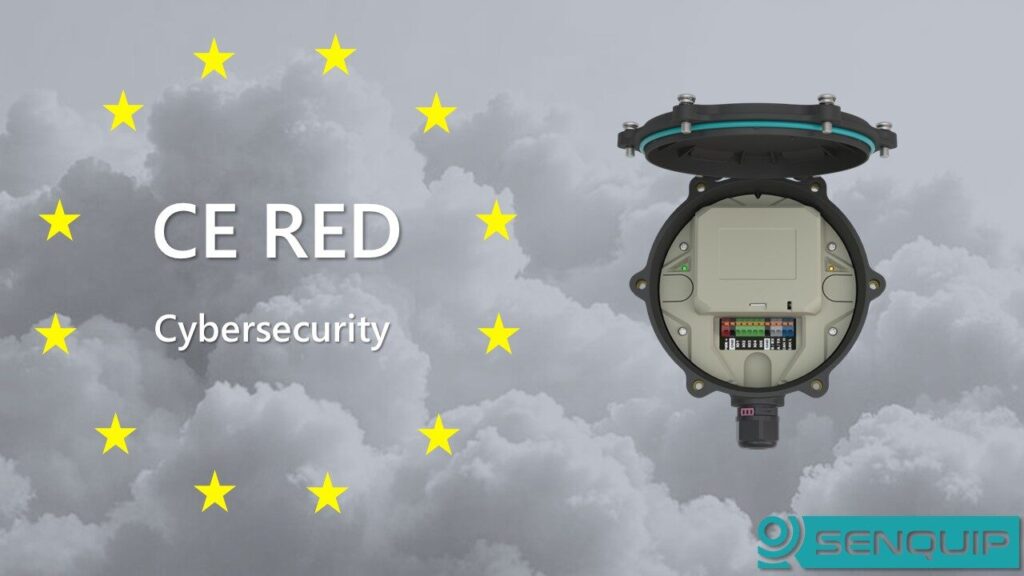
Achieving CE RED cybersecurity compliance (EN 18031) requires significant engineering effort.
It involves documenting and validating areas such as:
- Authentication mechanisms
- Cryptography and key management
- Secure communications
- Input validation
- Software vulnerability management
- Network interface exposure
- Update security
- Access control
Each requirement must be assessed, implemented, and clearly justified—not just assumed.
For a single device platform, this can result in hundreds of pages of technical documentation and a detailed security architecture review.
None of this changes what the device does. But it changes how confidently it can be deployed in critical environments. Certification may not be the most visible part of engineering – but it is increasingly one of the most important.
Senquip Out and About
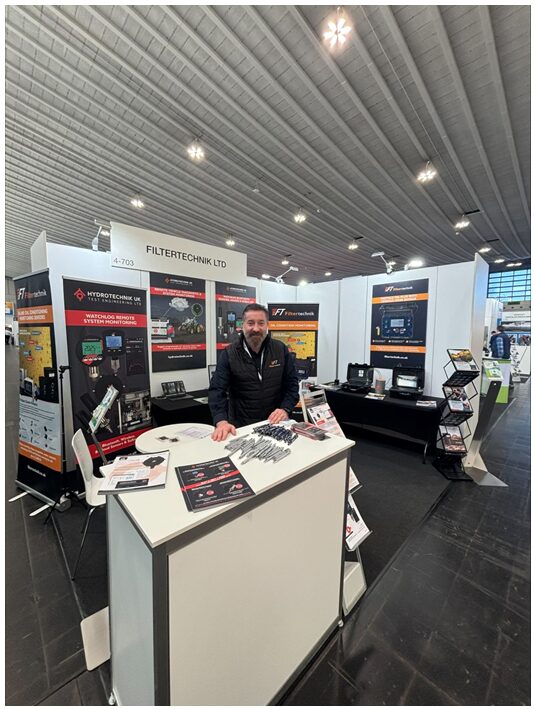
Hydrotechnik at maintenance Dortmundin the UK.
Bob Murphy,Chairman of Murcal,is racing across America in June. Support the team with some merch.

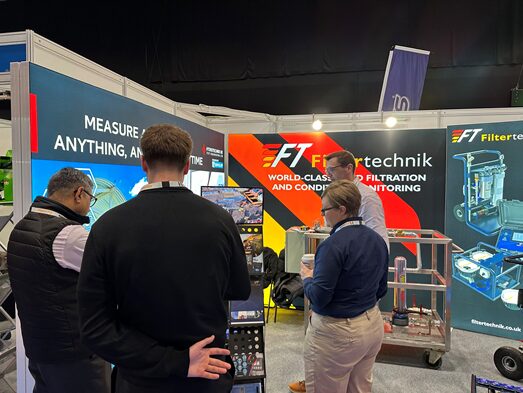
Hydrotechnik at the Executive Hire Show 2026
🚜 In the Field: Pump Control & Monitoring
A recent deployment from our distributor Macquarrie Corporation highlights a typical Senquip application in pumping systems. This unit is built around a Cummins NTA855 diesel engine, delivering high torque for demanding pump applications. It’s paired with an Enovation Controls TEC-10 controller and a Senquip ORB for remote monitoring and control.
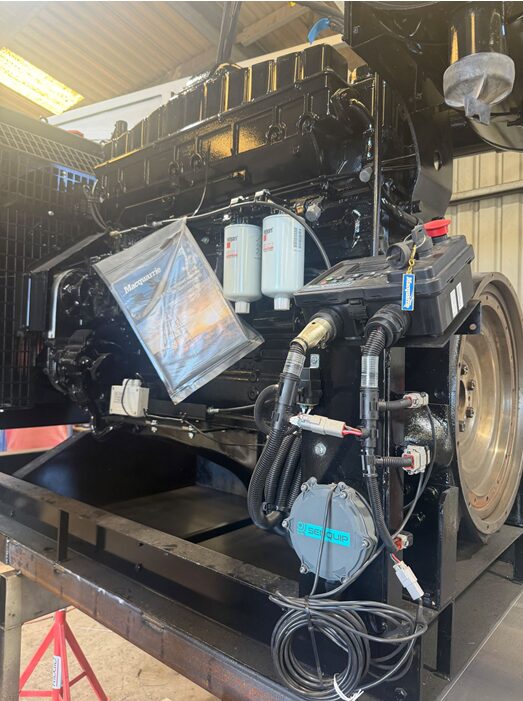
The result:
- Remote start/stop capability
- Live visibility of key engine and system parameters
- Integration with sensors and variable-speed control
With intelligent control and monitoring, systems like this can operate more smoothly and reduce fuel consumption when full power isn’t required. A good example of how combining control and telemetry delivers practical, real-world benefits in the field.
🔧 Engineering in Progress
The team has been flat out behind the scenes, working on the next generation of hardware. A recent post from Tom, our Engineering Manager, showed a new PCB design nearing completion – densely packed and already pushing the limits of what can be fit into a compact device.
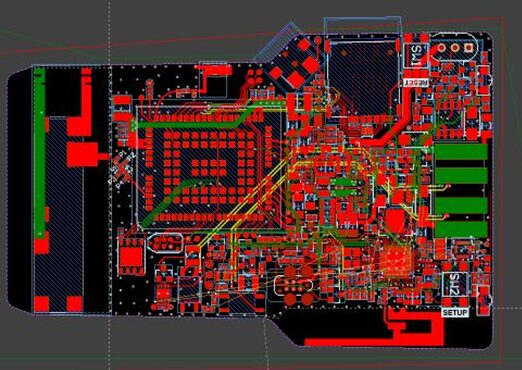
It’s a reminder that what looks like a small device on the outside often represents a significant amount of engineering underneath. More to come as this moves from layout to testing.